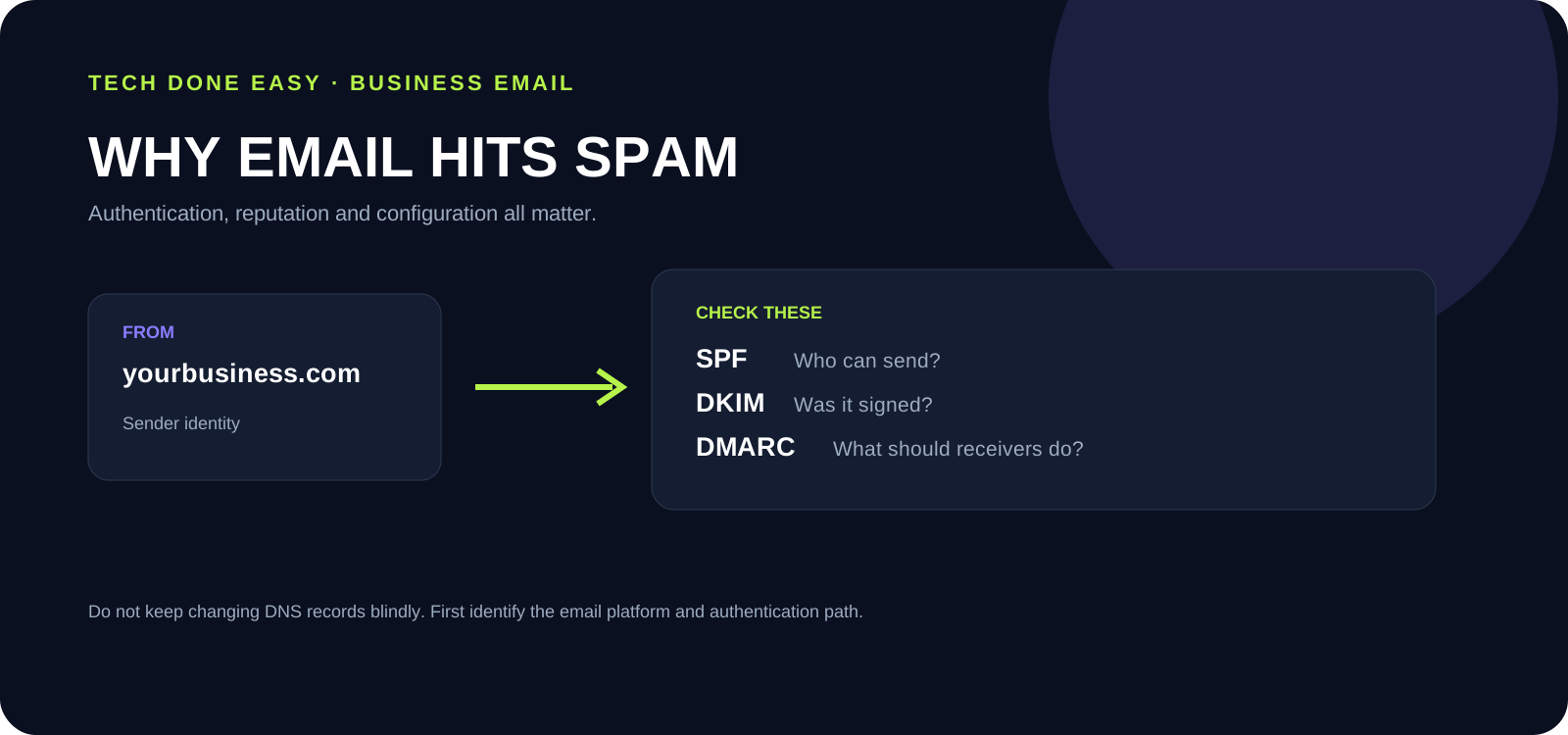
Check SPF, DKIM, DMARC, the visible sender domain, forwarding, sending behaviour and any recent DNS changes. Identify the sending platform before changing records.
When a legitimate business email lands in spam, it is tempting to blame the mailbox provider. Sometimes the problem is elsewhere in the sending setup.
Email delivery depends on several signals working together. Your domain, DNS records, authentication, sending behaviour and reputation all matter.
Check these seven things first
- SPF: Confirm the domain identifies the systems that are allowed to send mail.
- DKIM: Check that outgoing messages are being authenticated with a valid signature.
- DMARC: Make sure the policy and reporting setup match your sending environment.
- From address: Confirm the visible sender domain is consistent with the authenticated domain.
- Forwarding: Check whether forwarding or routing rules are changing how messages are evaluated.
- Sending behaviour: Large bursts, unusual lists or poor recipient quality can damage reputation.
- Recent DNS changes: If the problem started after a change, compare the current records with the intended email configuration.
Do not change everything at once
Changing SPF, DKIM, MX and other DNS records together makes troubleshooting harder because you lose the ability to see which change affected delivery.
First identify which platform actually sends the email. Then check its documented authentication requirements and compare them with the DNS records for the domain.
Spam is not always an email-provider problem
If only some recipients are affected, the receiving provider may be applying its own filtering rules. The important first step is to establish whether the problem is with your domain configuration, your sending behaviour or the recipient's filtering.
Tech Done Easy can help review the email setup, DNS records and authentication path without making blind changes.