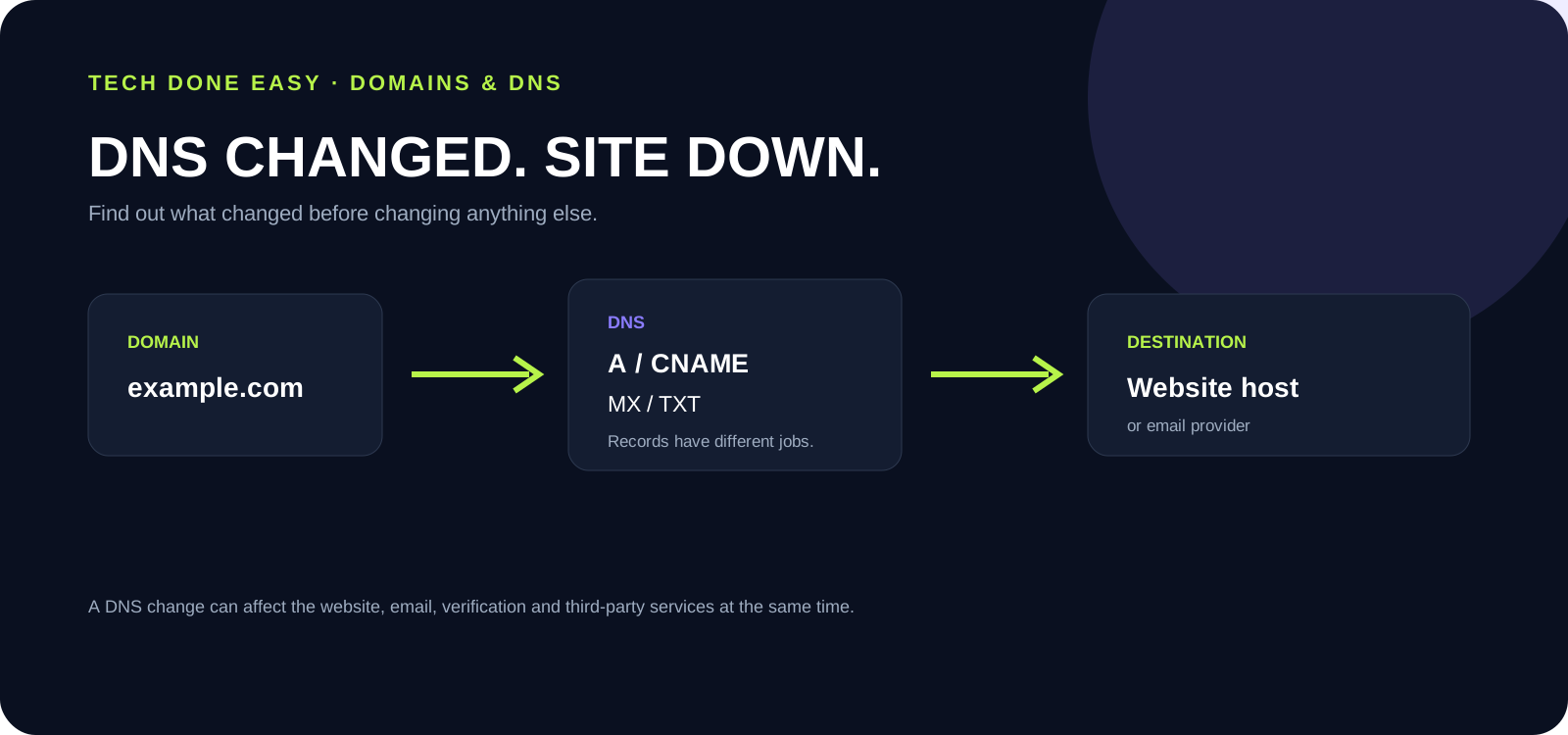
First identify the authoritative nameservers and compare the current A, AAAA, CNAME, MX and TXT records with the last known working configuration.
DNS is one of those systems that can remain invisible for years—until one change suddenly makes a website or email stop working.
The first mistake is to start changing more records before you know what the original change did. DNS records have different jobs, and a domain can depend on several of them at the same time.
First identify the DNS authority
Find out which nameservers are authoritative for the domain. If the nameservers point to one provider but you edit records somewhere else, your changes may have no effect at all.
Then check the records that matter
- A / AAAA: Usually direct a domain or hostname toward an IP address.
- CNAME: Points one hostname to another hostname.
- MX: Controls where email for the domain is delivered.
- TXT: Can be used for verification, SPF and other services.
A website can be down while email still works—or the reverse. That is why the affected service needs to be identified before records are changed.
Check what changed
If the website stopped immediately after a DNS edit, compare the current configuration with the previous working values if you have them. Also check whether a hosting move, SSL change or domain renewal happened at the same time.
DNS changes can have a wider impact
Verification services, analytics, email authentication, SaaS integrations and other systems may rely on DNS too. A “small” record change can therefore have consequences beyond the website itself.
Know what a record is supposed to do before you change it.
Tell Tech Done Easy what changed and what stopped working. We can help trace the DNS path before more changes are made.