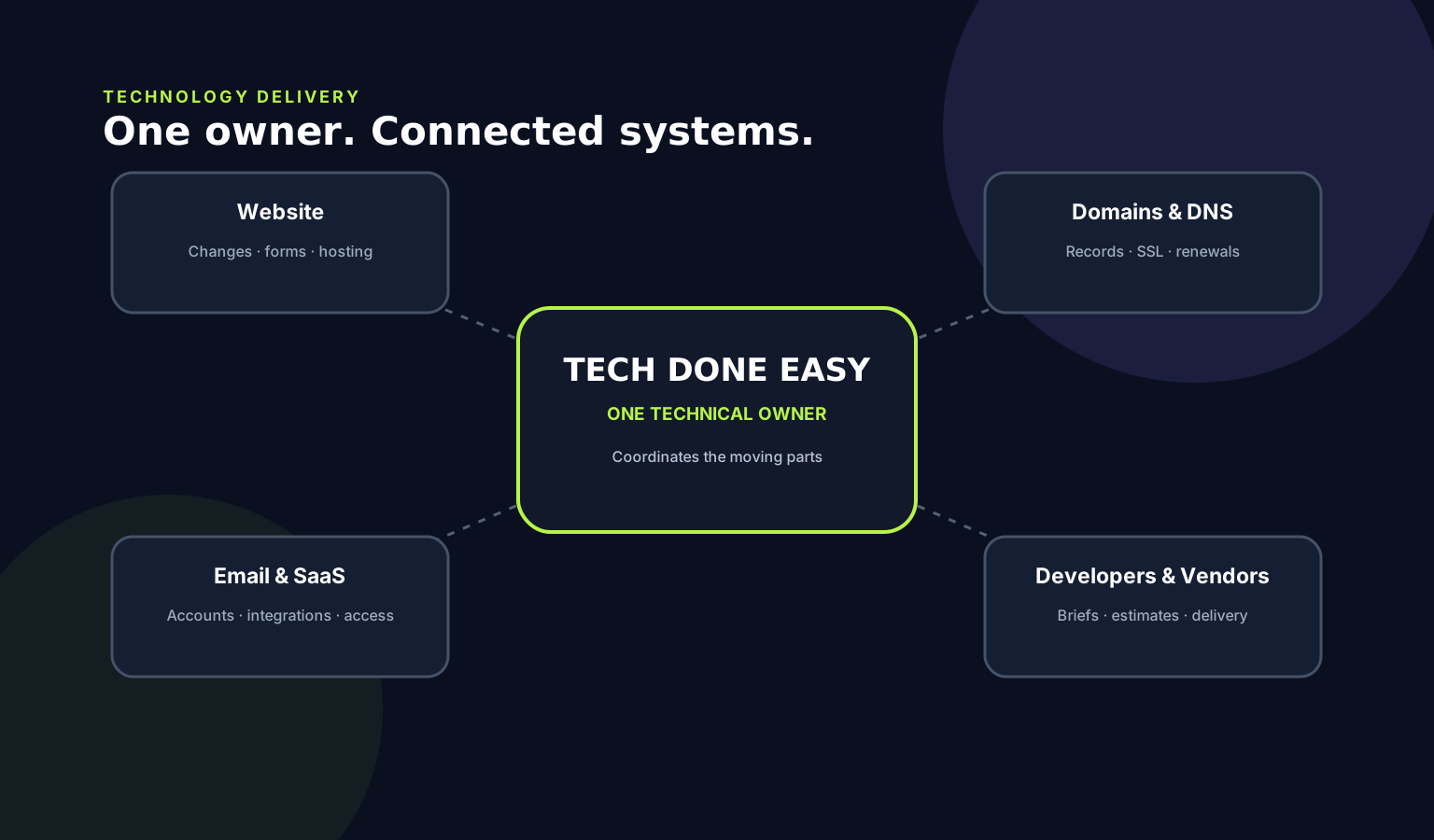
Check who controls the domain, DNS, hosting, website/CMS and business email accounts. The business should have direct administrative access and a simple record of these accounts and renewal details.
Your website can work perfectly and still be difficult to control.
One of the most overlooked technology risks for a small business is not knowing who actually controls the accounts behind its website and email.
1. Start with the domain
Confirm where the domain is registered, whose account owns it, which email address receives renewal notices and who can change its DNS or transfer settings.
2. Check hosting and website administration
The business should know where the website is hosted and have a reliable administrator account for the website or CMS. Developer access and business ownership are not necessarily the same thing.
3. Confirm business email administration
For Google Workspace, Microsoft 365 or another provider, make sure the business has administrator access and understands how the domain is connected to the mail service.
4. Keep an ownership record
A simple document listing the domain registrar, DNS provider, hosting provider, website administrator, email administrator and renewal information can make future changes much easier and reduce dependence on one person.